Jewelry
Turn one jewelry photo into an entire campaign.
Create a coordinated set of product, on-model, lifestyle, storefront, social, and ad images from one clear source photo.
Upload a product photo
JPG, PNG, or WebP. Your photo stays in this browser until you generate.
Examples
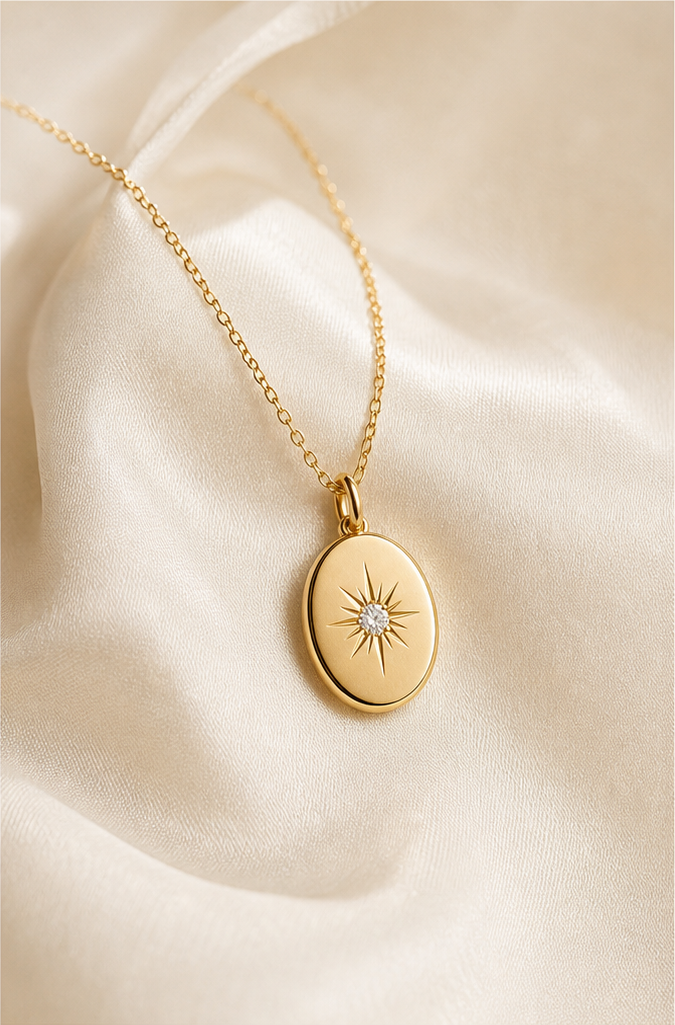
Before
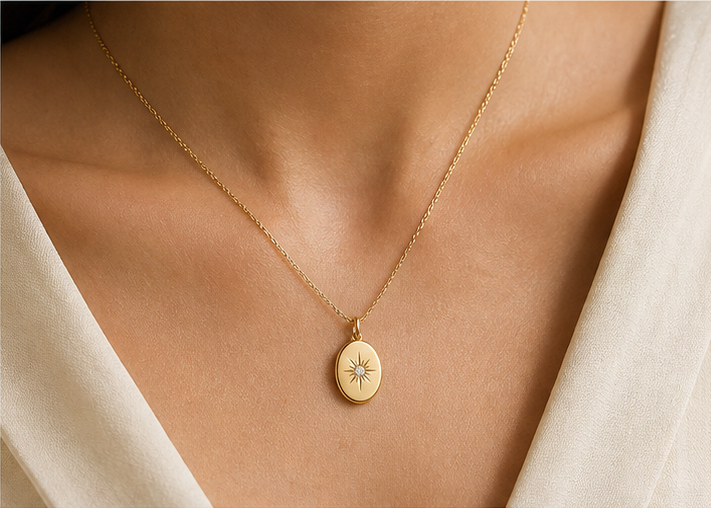
After
How it works
- 01Upload the piece
One clear photo of the whole item.
- 02Pick a scene
On-model, Amazon white, Shopify, Etsy, or a vertical still.
- 03Download
Compare the jewelry with the source, then export.
FAQ
What should the source photo show?
The whole piece, with the design, stones, metal, and chain visible. A simple background makes identity easier to keep.
Will the jewelry stay the same?
The studio is built to preserve silhouette, stone setting, metal tone, and proportions. Compare every result with the source before you publish it.
Where do I make the images?
Open Jewelry Studio for the campaign set, or On-model when the piece needs to be worn.